✨ Screenshot cleaner for iPhone
Your screenshots, cleaned up in seconds.
Receipts, memes, codes you needed once. TidyShots shows your screenshots one at a time, full screen. Tap a button, move on, and watch the space come back.
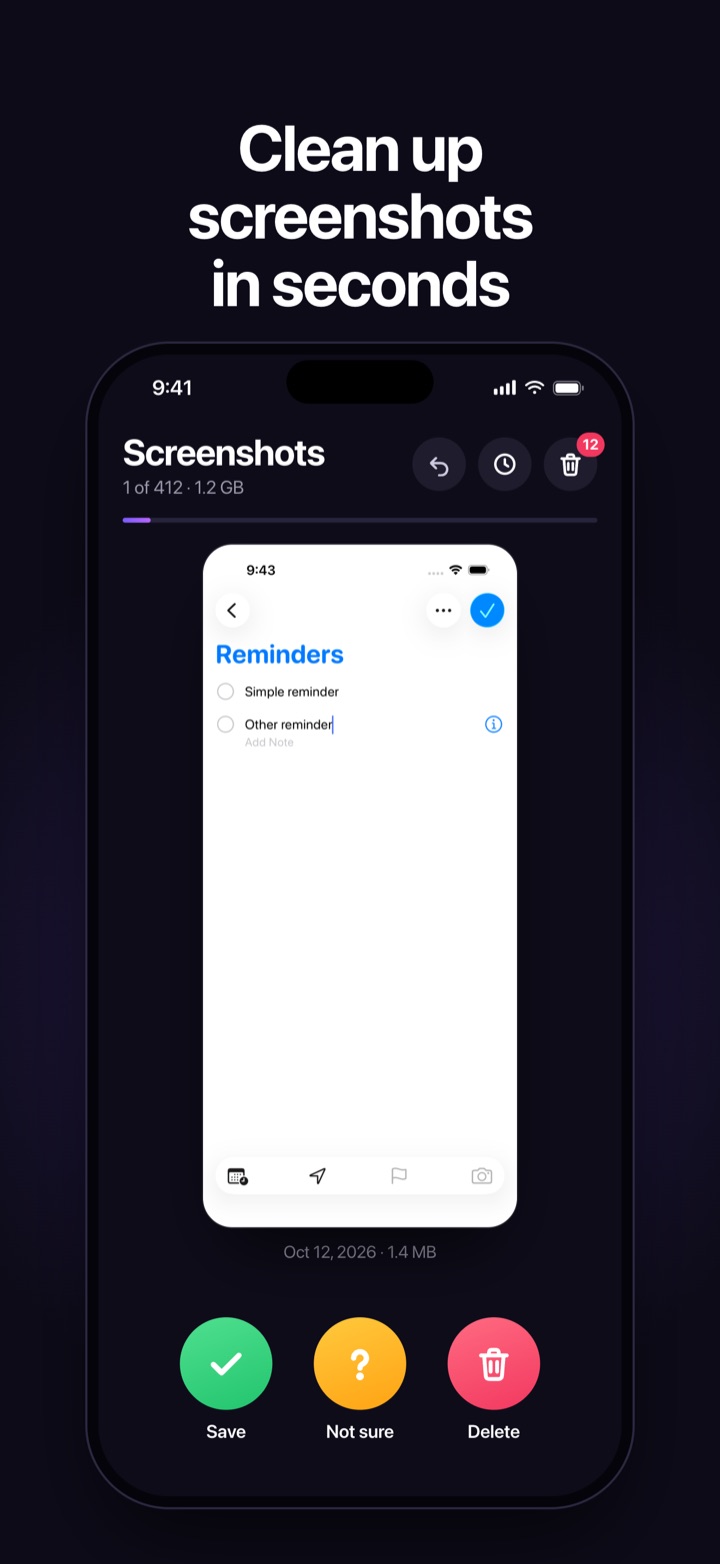
Receipts, memes, codes you needed once. TidyShots shows your screenshots one at a time, full screen. Tap a button, move on, and watch the space come back.
Open TidyShots and your newest screenshot is right there. No albums to dig through, no settings to figure out. Swipe right to save and left to delete if you prefer.
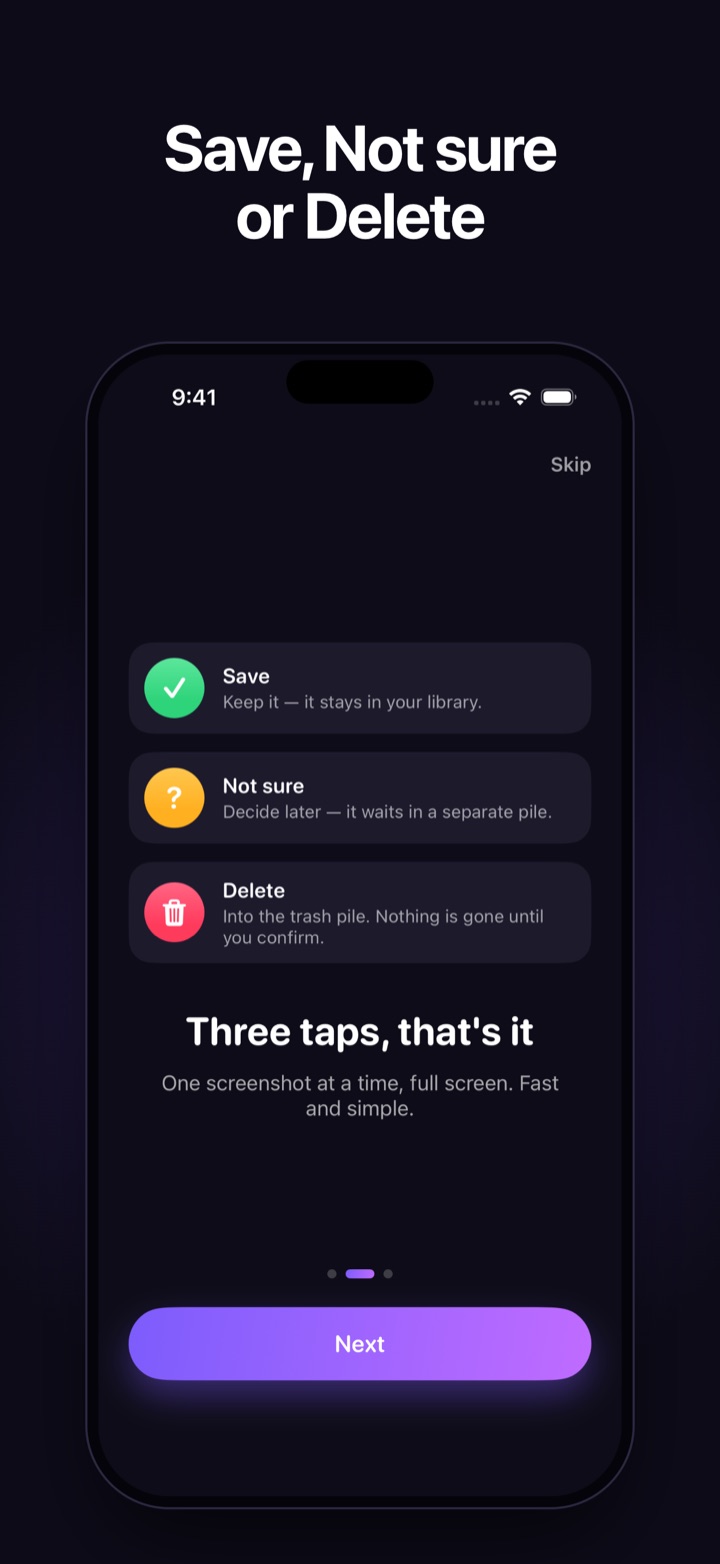
Keep it. It stays in your photo library, untouched.
Can't decide? It waits in its own pile so you can revisit it later.
It flies into the trash pile. Nothing is gone until you confirm.
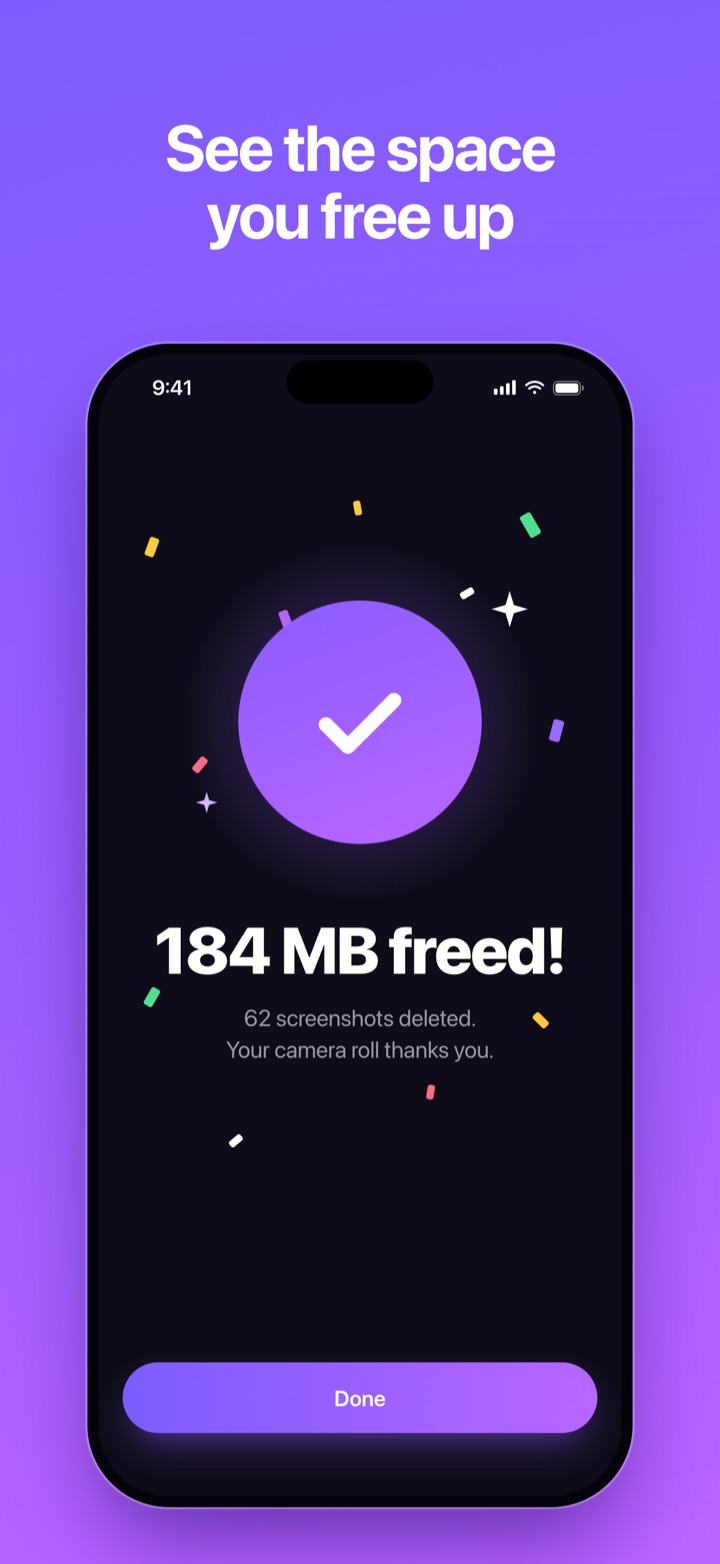
Confirm your trash pile and get a little celebration with exactly how many megabytes you got back, plus your running total.
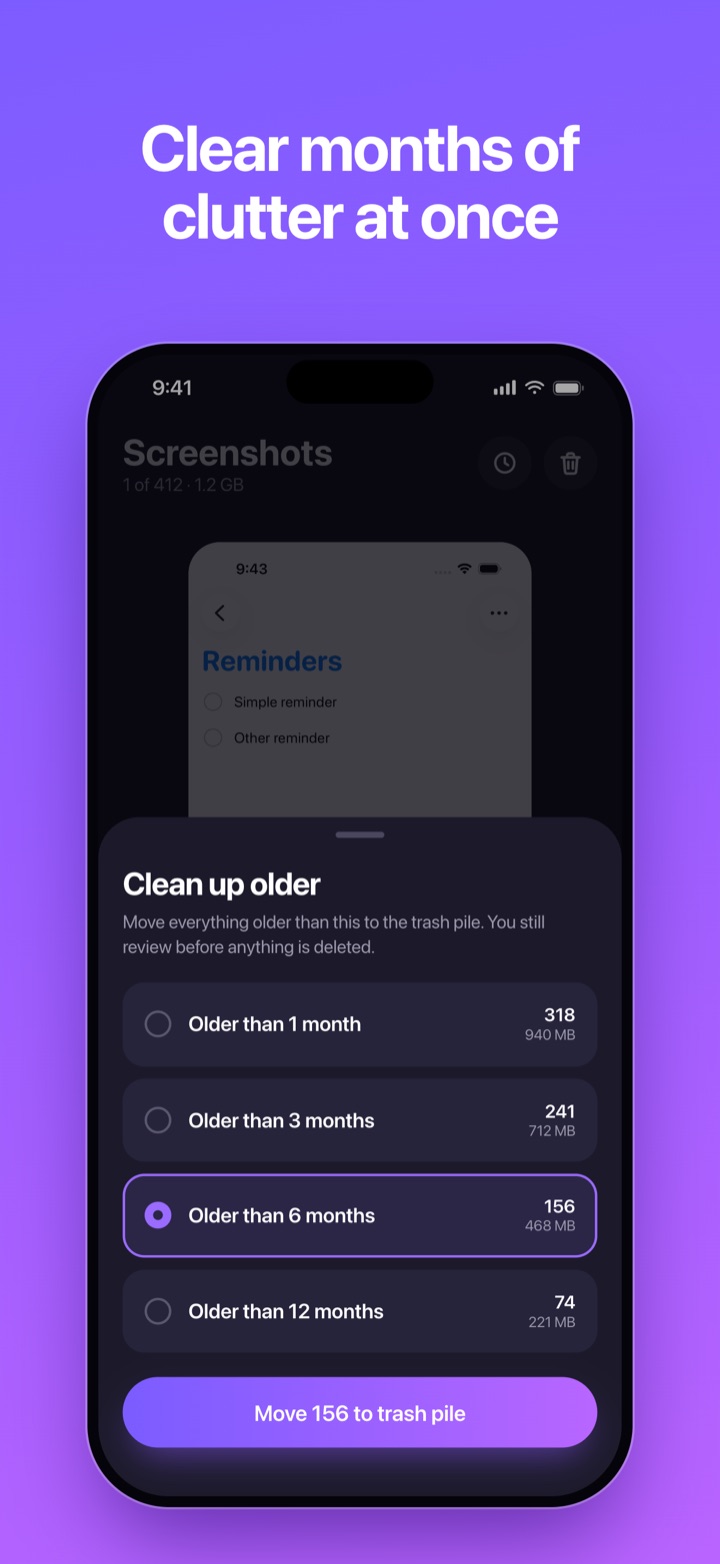
Send everything older than 1, 3, 6 or 12 months to the trash pile in one step. Saved screenshots are never included.
Total screenshots, saved, not sure and deleted, plus how much storage your screenshots use, all at a glance.
Double-tap any screenshot to read the small print before you decide.
Review newest first, oldest first, or biggest files first to free the most space fastest.
Tapped too fast? Undo brings the last screenshot right back.
The next screenshots are loaded before you get to them, so every tap goes straight to the next one.
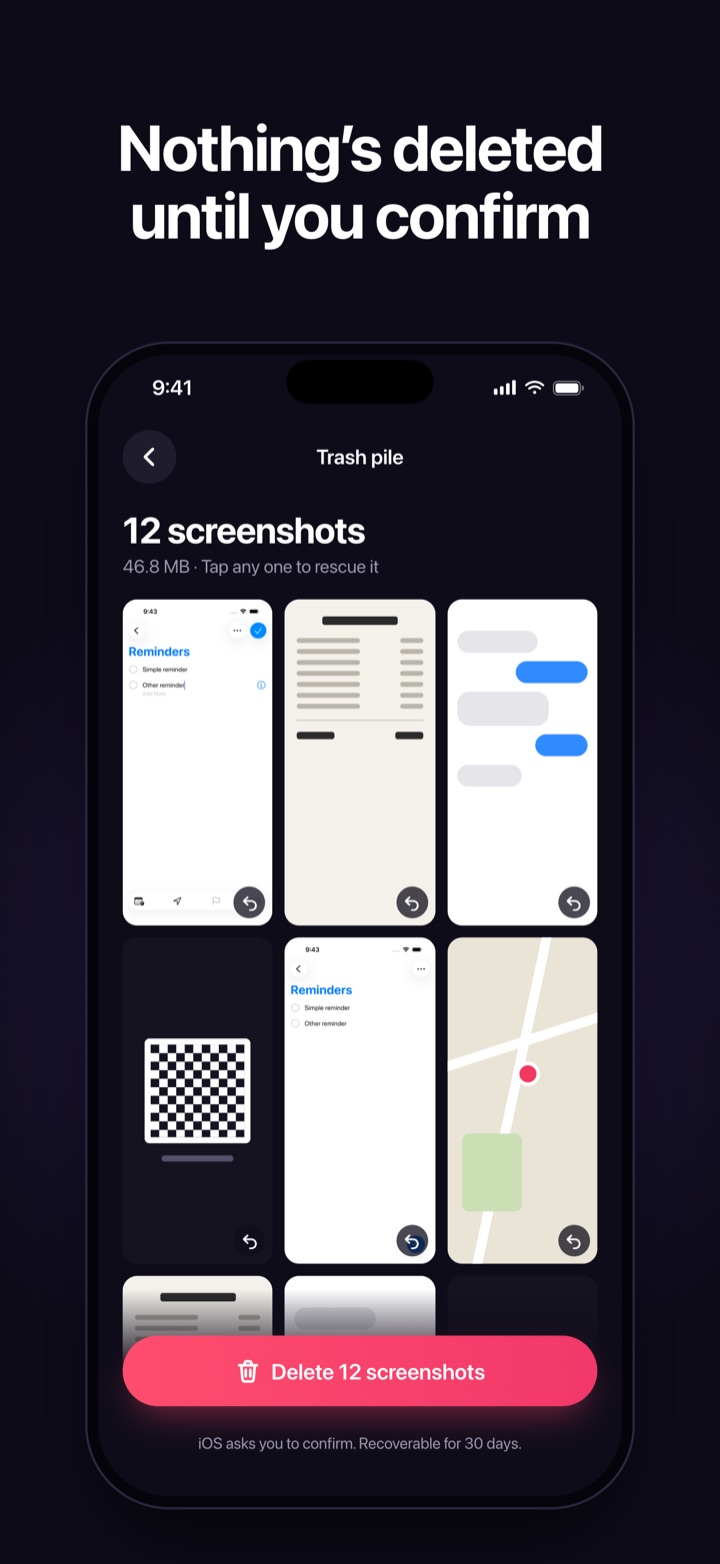
TidyShots only looks at images iOS marks as screenshots, never your other photos. Everything happens on your iPhone. There's no account and no server, so there's nowhere for your data to go. Read the privacy policy.
Every feature, no in-app purchases, no subscription. Available in English and Spanish.